
Smart Pricelist
Understand your options before buying.
One Smart SKU represents variants of the same product. Use the price range and variant statuses in Smart Pricelist to decide your Max Bid.
Read documentationAdvanced system by Melostore
Smart Pricelist + Smart Order
Price visibility and automatic server selection, connected in Melostore’s advanced system.
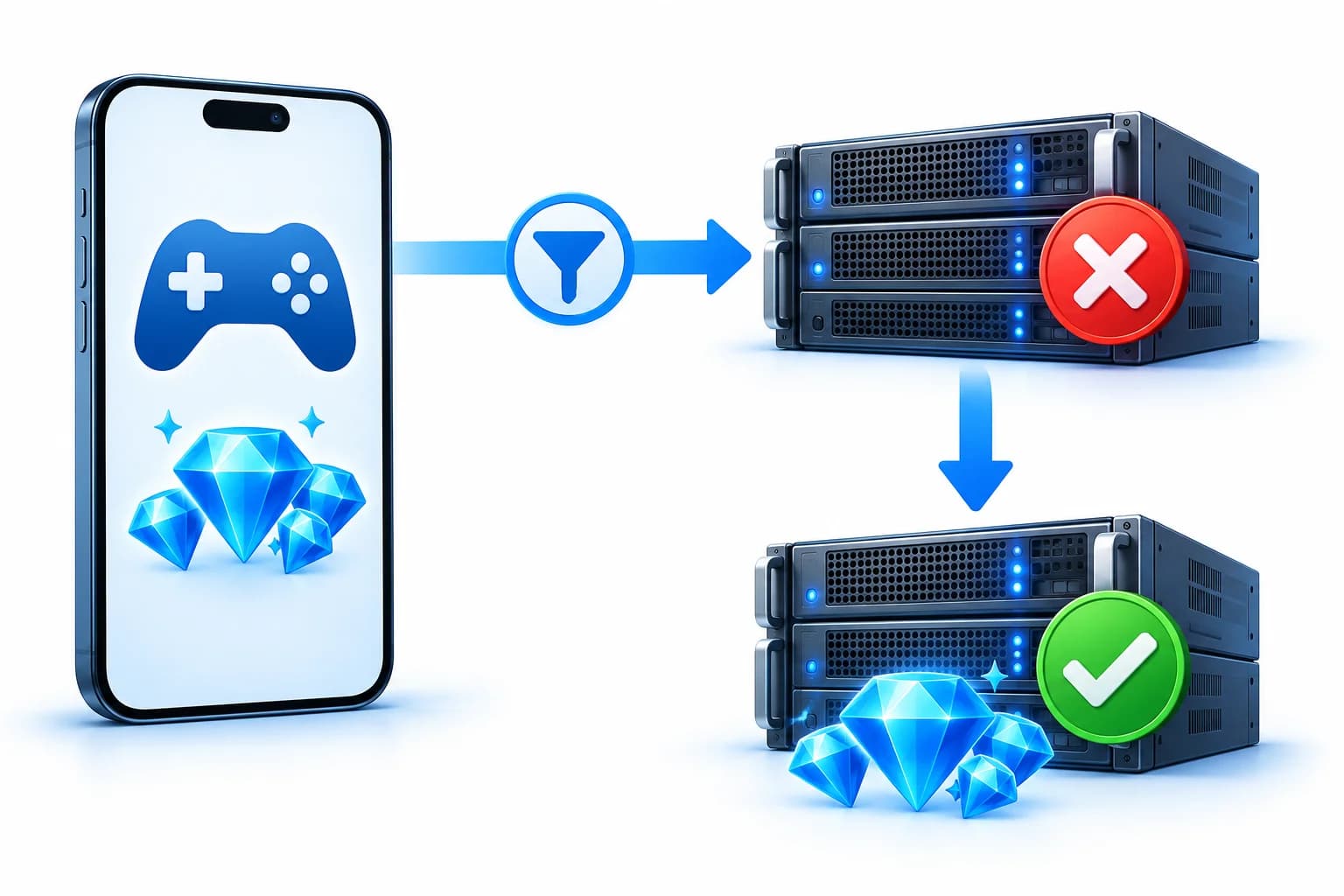
Smart Pricelist provides Smart SKUs, account-tier price ranges, variant details, and statuses. Smart Order uses that SKU to try variants from the lowest tier price, with Max Bid limiting candidate selection.
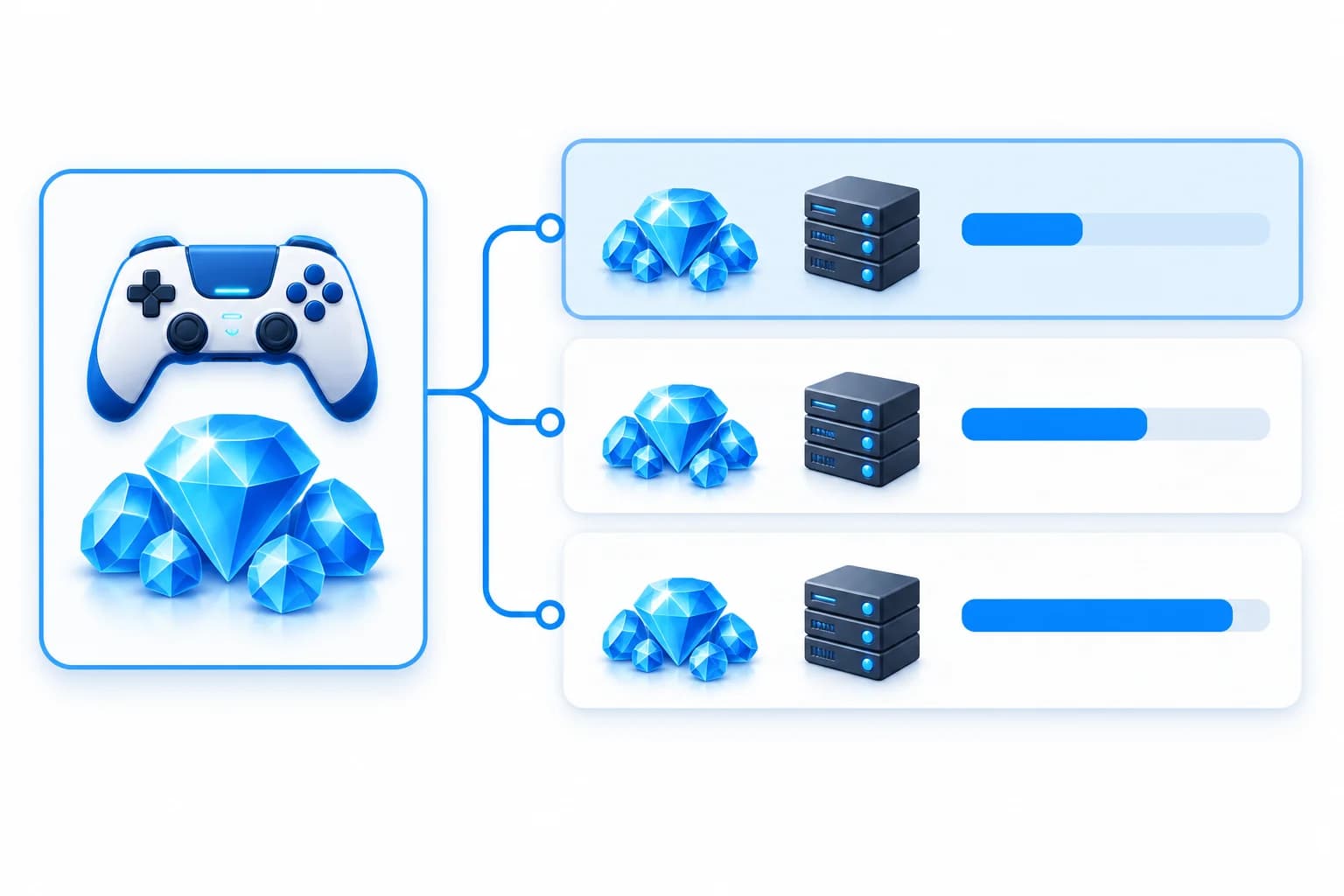
Smart Pricelist
One Smart SKU represents variants of the same product. Use the price range and variant statuses in Smart Pricelist to decide your Max Bid.
Read documentationSmart Order
Send the Smart SKU, destination, and Max Bid through the Smart Order API. The system tries candidates from the lowest account-tier price and moves to eligible alternatives after failure.
Read documentationOne failed variant does not immediately end the order. Eligible alternatives provide another opportunity to complete it.
Prioritizing the lowest tier price helps optimize purchasing costs. At the same selling price, a lower cost leaves more room for margin.
No need to compare and try variants one by one. The system handles selection and alternative attempts.
Choose a product and review its price range and variant statuses for your account tier.
Set the candidate price limit. Your balance is held at Max Bid when the order is created.
The system starts with the lowest-priced candidate. After failure, it tries eligible alternatives.
On success, the final price is the successful variant’s price. Any positive difference from Max Bid returns to your H2H balance.
Tier price range14,000–15,300 MC
Max Bid15,000 MC
Illustration assuming unchanged prices, not a live product quote. Success depends on provider availability and processing results.
Smart Pricelist supplies the Smart SKU and pricing information. Smart Order uses that same SKU to select variants and try alternatives automatically.
Max Bid is the held balance and candidate selection limit. On success, the charge is adjusted to the successful variant’s price; any positive difference returns to your H2H balance.
The system waits for the provider’s result. Processing status does not immediately trigger another variant. Once the provider confirms failure, the system can continue to another candidate.
If the processed candidates are exhausted and the transaction is marked failed, the full held amount returns to your H2H balance.
Only Smart products and variants meeting account, status, and Max Bid requirements can be selected. The system retrieves up to 10 variant candidates per search. Provider availability still affects processing.
Fetch GET /api/v1/h2h/smart-pricelists, then send orders to POST /api/v1/h2h/smart-transaction. Receive final results through webhooks or the transaction status endpoint. Smart SKUs use the dedicated endpoint, not the regular transaction endpoint.
Smart Pricelist + Smart Order
Connect Smart Pricelist + Smart Order to your business. Read the documentation and test the workflow in sandbox.